How to Write an ATS-Friendly Resume in 2026 (Step-by-Step)
A practical, step-by-step guide to writing a resume that applicant tracking systems parse correctly and recruiters actually read — with examples and a checklist.
Write an ATS-friendly résumé with eight templates, selectable text, live PDF preview and a real-time health check. Your résumé stays in your browser, with no sign-up required.
No account needed. Your résumé stays in this browser.
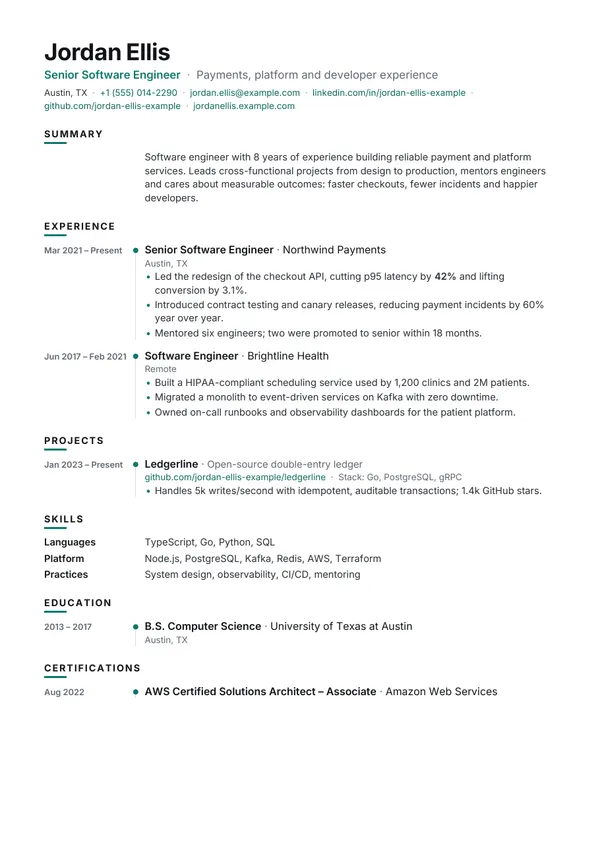
8 layouts with selectable text
Classic or colourful, every design keeps a single reading order, real text and standard headings. Switch any time without retyping.
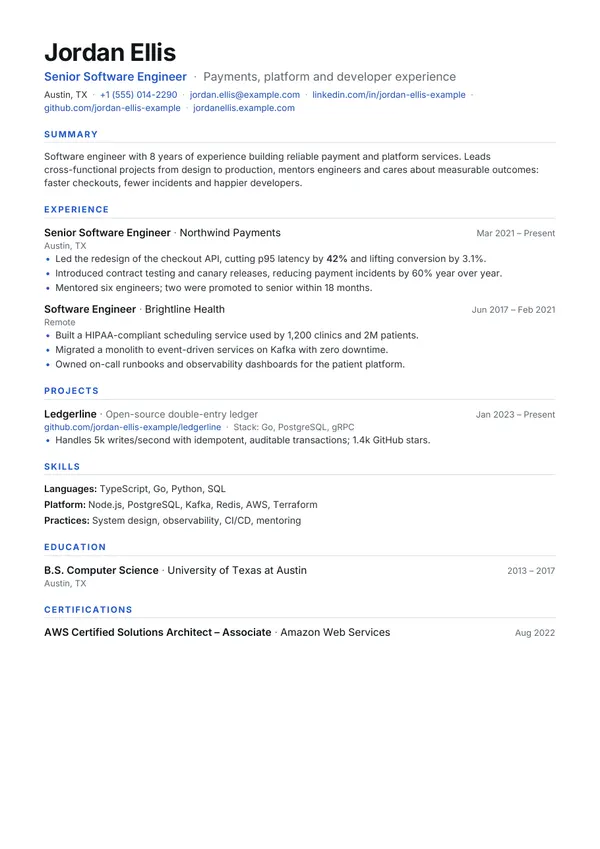
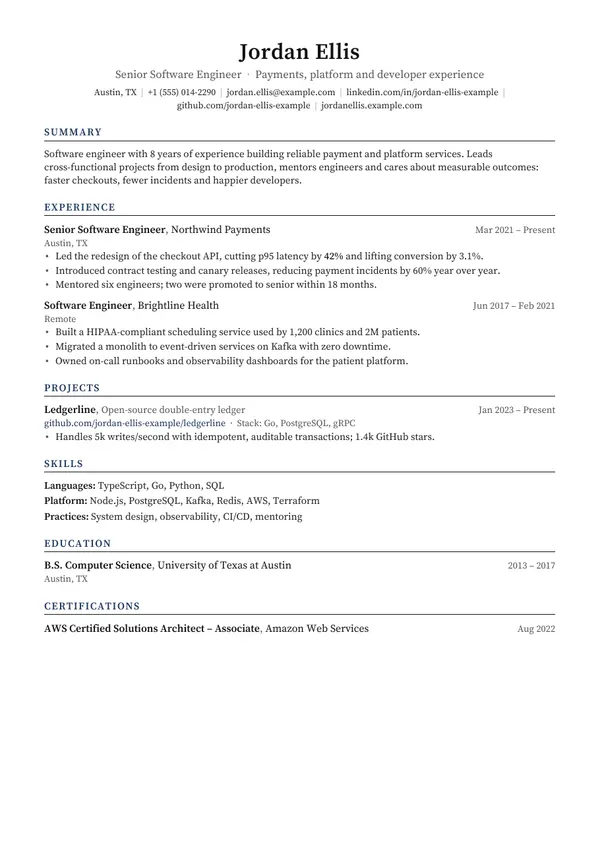
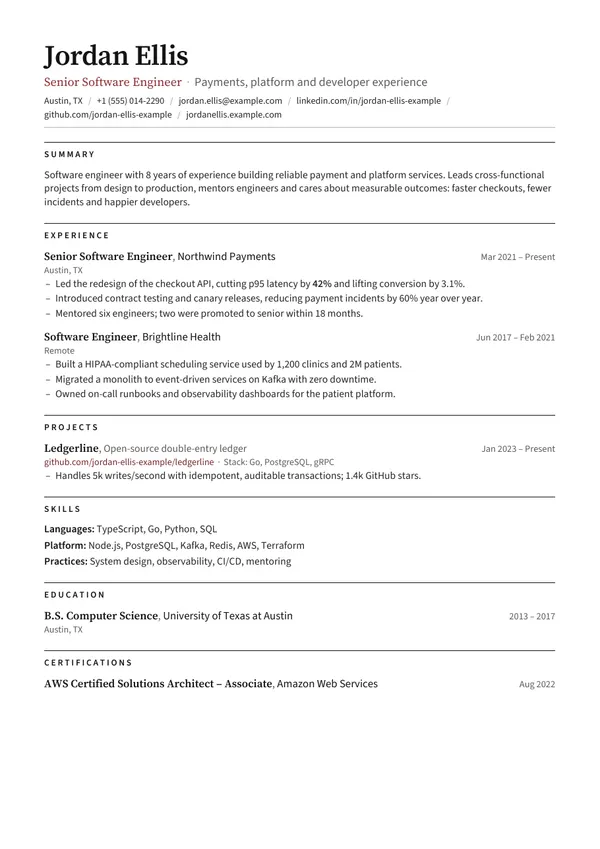
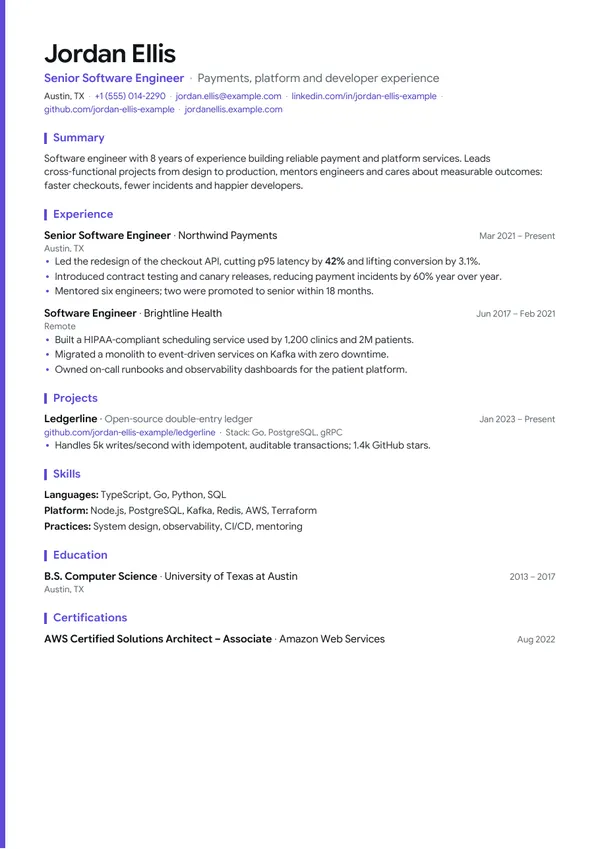
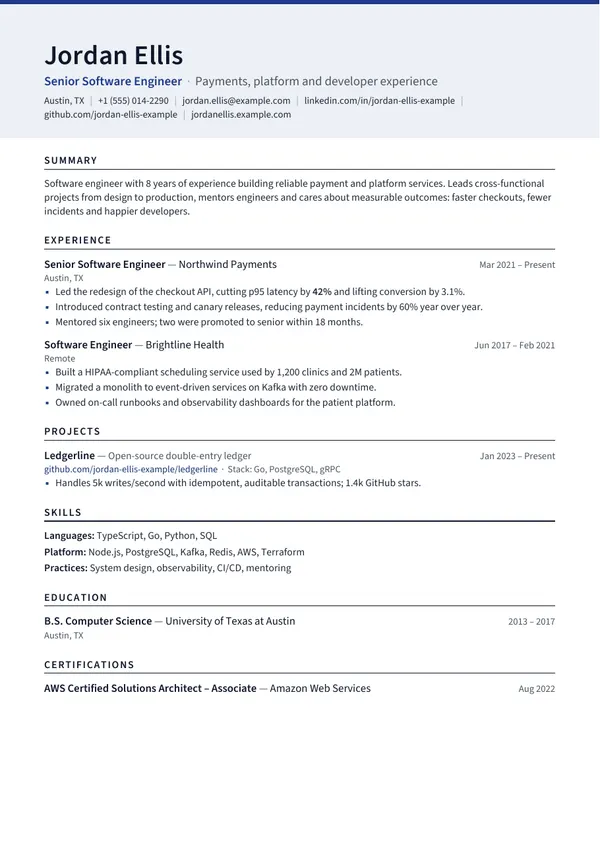
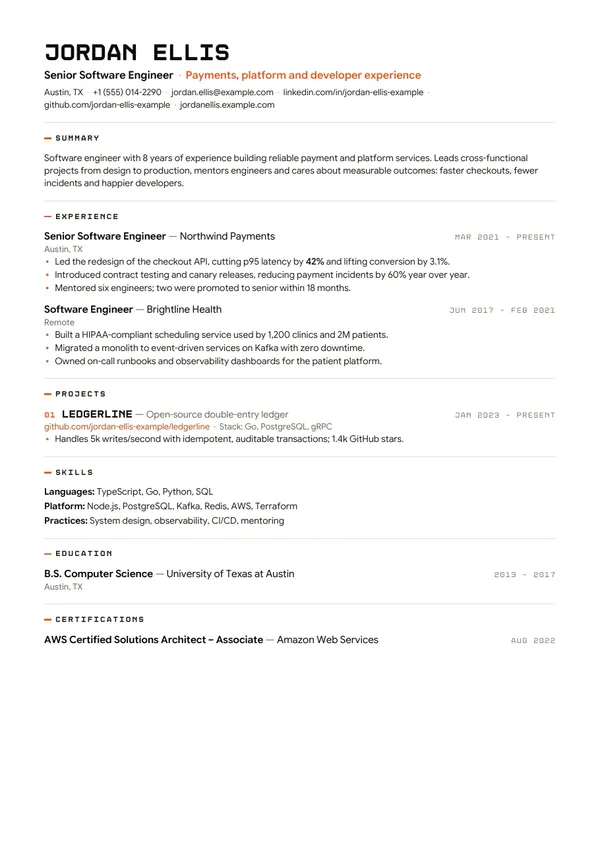
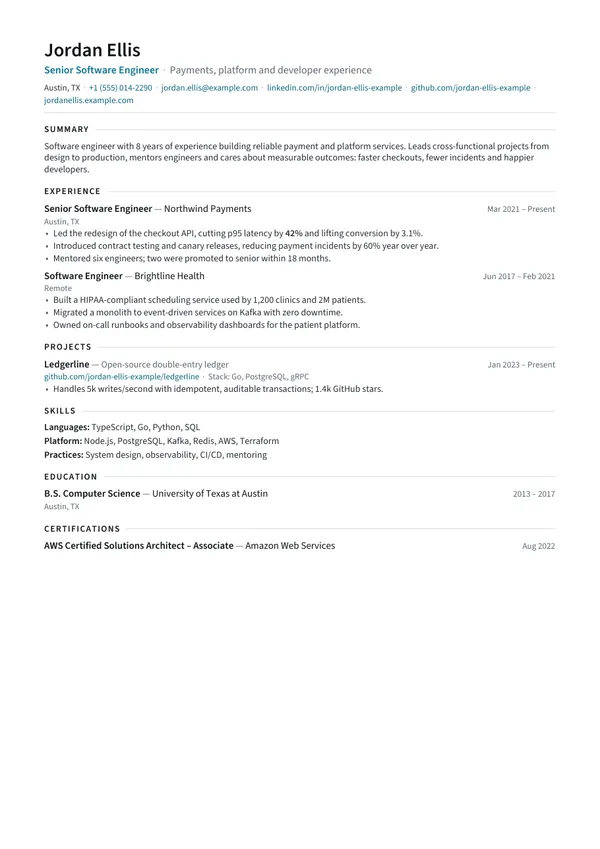
Applicant tracking systems extract your text line by line and file it into fields recruiters search. Layouts that look fine to a person can come out scrambled.
Two-column layout
“Experience Skills Senior Engineer Python Northwind SQL Payments Docker…”
The parser merges the sidebar into your job history, line by line.
Single column (every template here)
“Experience · Senior Engineer · Northwind Payments · Mar 2021 – Present…”
Titles, employers and dates arrive in order and land in the right fields.
Start blank, from an example, or import a backup. Use bold for emphasis in bullets.
Pick a template, accent colour, text size, margins and A4 or US Letter. Everything reflows instantly.
Fix what the health check flags, then download PDF, Word, text or a web page.
A practical, step-by-step guide to writing a resume that applicant tracking systems parse correctly and recruiters actually read — with examples and a checklist.
The exact formatting rules that keep your resume readable by applicant tracking systems — fonts, sizes, margins, headings, dates and file types, with reasons for each.
CV or resume? The answer depends on the country and the job. See how the US, UK, India, Europe and academia use each word, how long each should be, and which one to send.
Yes. Every template and export format is free, with no sign-up, watermark or paywall.
The templates use real selectable text, standard section headings and a single reading order. Contact icons are optional and accompany text by default. These choices support parsing, but results vary by employer and ATS. No template guarantees an interview or an ATS score.
Only in your own browser. Nothing is uploaded to a server. You can download a JSON backup at any time and restore it on another device.
Use the PDF when you email a recruiter or upload to modern portals. If an application form asks for .docx, download the Word version. Both are generated from the same content.
Yes. Besides the PDF, you can export a responsive web page that reflows on any screen, and preview it at phone, tablet and desktop widths while you edit.
Yes. Résumés save automatically in your browser, so you can come back on the same device any time, or download a backup to continue elsewhere.